


Creating tiling 3D maps and materials has traditionally been a complex and labor-intensive work.
With PixPlant and a few clicks, you can turn real-world surfaces into seamless tiling PBR materials.
PixPlant can be a big time-saver for your texturing work!
Without PixPlant, manually tiling textures can be a pain and consume a lot of time.
PixPlant includes the best automated tiling in the market.
Open a photo or even a set of scanned maps, check a few things and get your seamless tiling version in seconds.
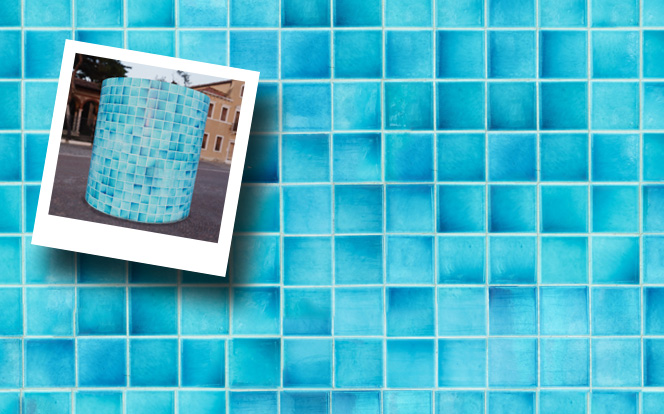
Capture that unique surface that would look great in your projects: pick a photo and run PixPlant to transform it into a seamless tiling material.
Extract 3D maps from real-world photos. Delight a Base Color map or extract Metallic, Roughness, Displacement, Normal, Ambient Occlusion or Opacity maps.
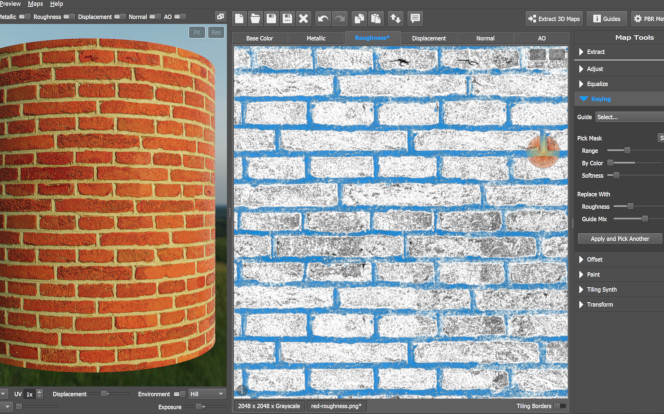
Easy-to-use tools to edit, extract and transfer features between 3D map types. Easily export your PBR materials to Blender, 3ds Max, VRay, Maxwell, Unreal, Unity and others.
Avoid a lot of tedious texturing work and improve your productivity with PixPlant!
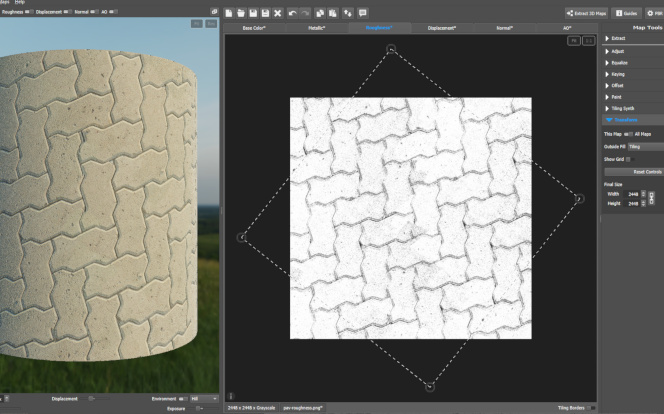
In all industries where tiling 3D materials are important:
Product design and prototyping (fashion, automotive, industrial), architectural visualization, visual effects (advertising, film, graphic design) and game development.
More...















Simplify your texturing work and save a lot of time. Download the Free Trial:
 Windows